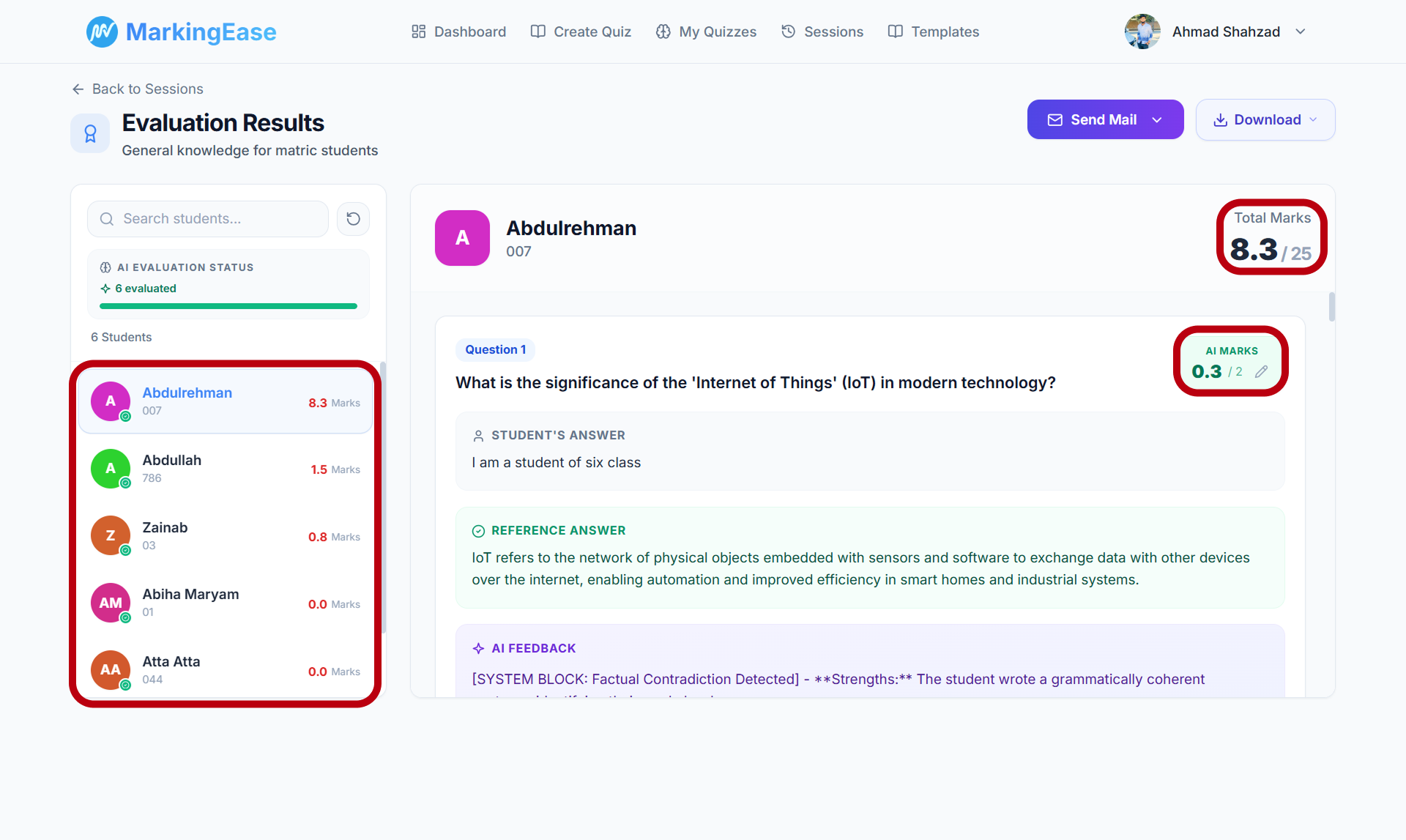
AI-Assisted Grading with Teacher Review.
Create assessments, evaluate student responses against question-specific rubrics, and review every score before publishing.
Are you a student?Join a quiz with your room code →
How MarkingEase Works
From assessment creation to reviewed results — one controlled workflow.
- 1
Create
Generate questions and rubrics from your teaching material.
- 2
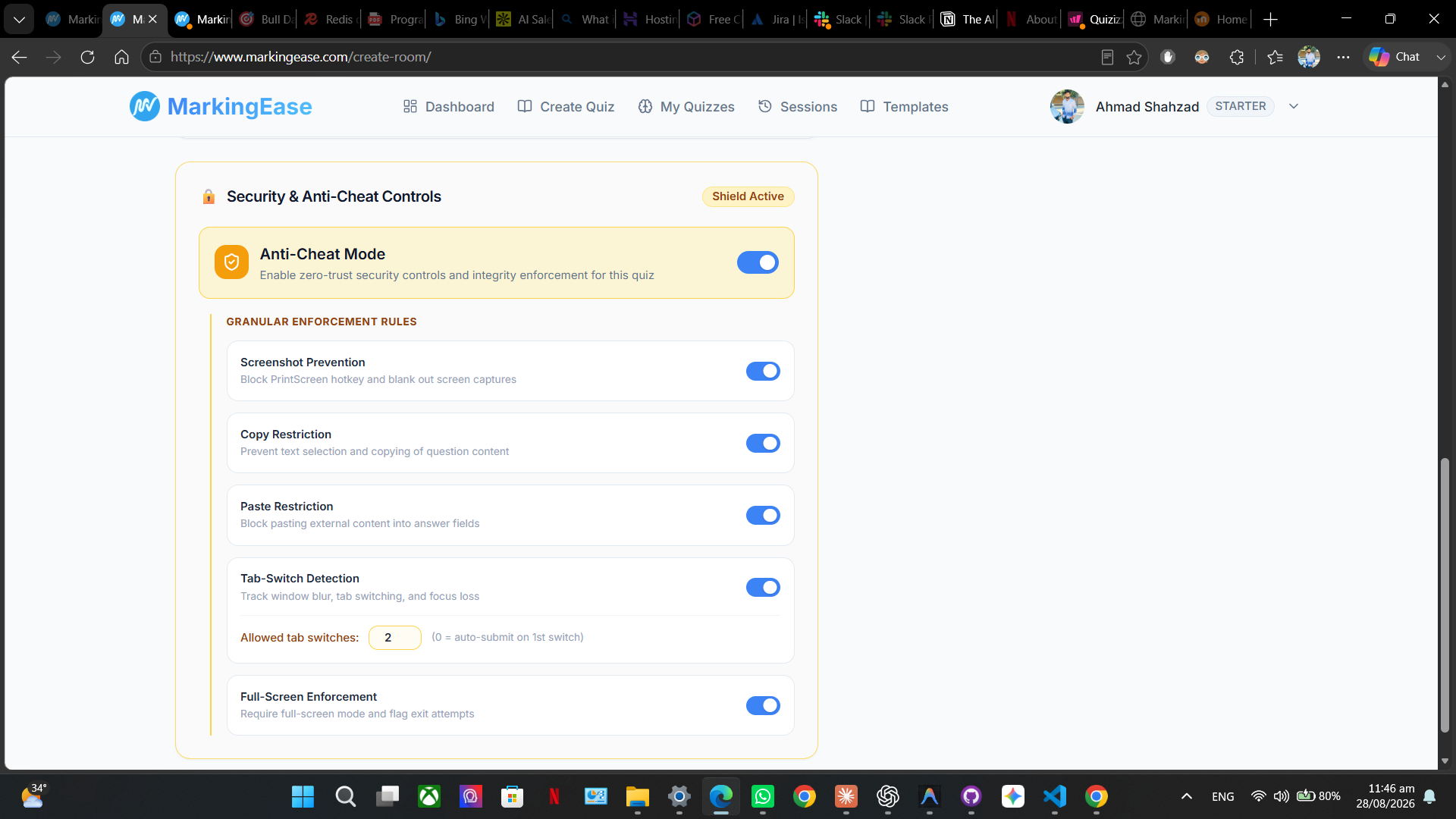
Secure
Run assessments with built-in integrity controls.
- 3
Evaluate
Grade responses against question-specific rubrics.
- 4
Review
Flag uncertain evaluations for teacher review.
- 5
Analyze
Review results and class performance in one place.
- 1
Create
Generate questions and rubrics from your teaching material.
- 2
Secure
Run assessments with built-in integrity controls.
- 3
Evaluate
Grade responses against question-specific rubrics.
- 4
Review
Flag uncertain evaluations for teacher review.
- 5
Analyze
Review results and class performance in one place.
Not Every Answer Should Be Graded the Same Way
Objective questions need precision. Descriptive answers need understanding. MarkingEase handles both.
OBJECTIVE · MCQ
Instant MCQ Grading
Answers scored instantly on submission with automated key validation.
Question 1
Which protocol establishes a connection before transferring data?
UDP
TCP
DNS
Correct
1 / 1
AI assists with evaluation. You retain the final grading decision.
Everything You Need to Create, Conduct, and Grade Assessments
AI Grading
Rubric-Based AI Grading
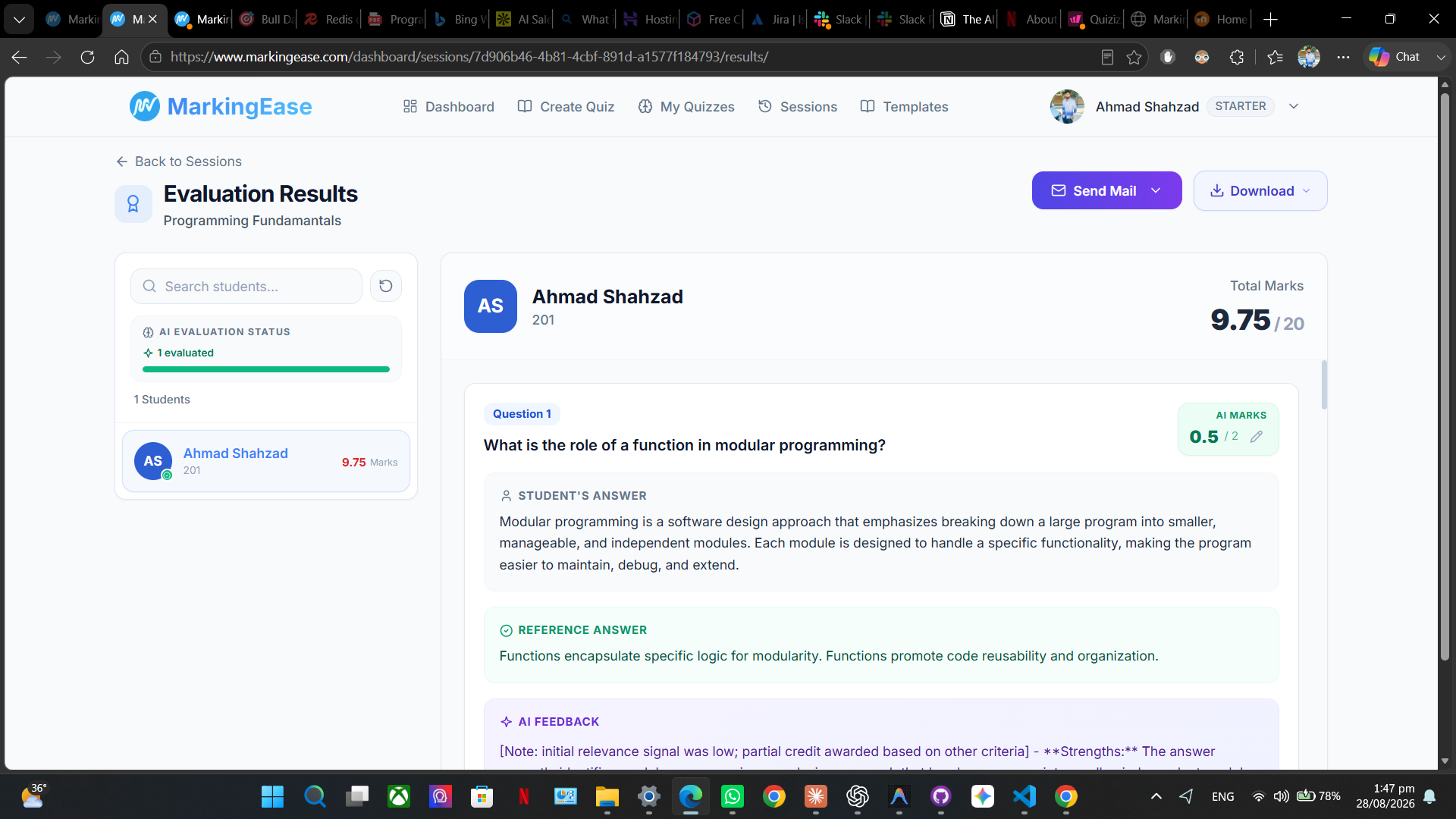
Evaluate descriptive responses using structured, rubric-based AI assistance while keeping educators in control of the final grade.
Question-Specific Evaluation
Assess responses against criteria defined for each question.
Transparent Suggested Scoring
Review AI-assisted marks and evaluation reasoning before publishing.
Teacher Retains Authority
Adjust and approve every final score whenever academic judgment is required.
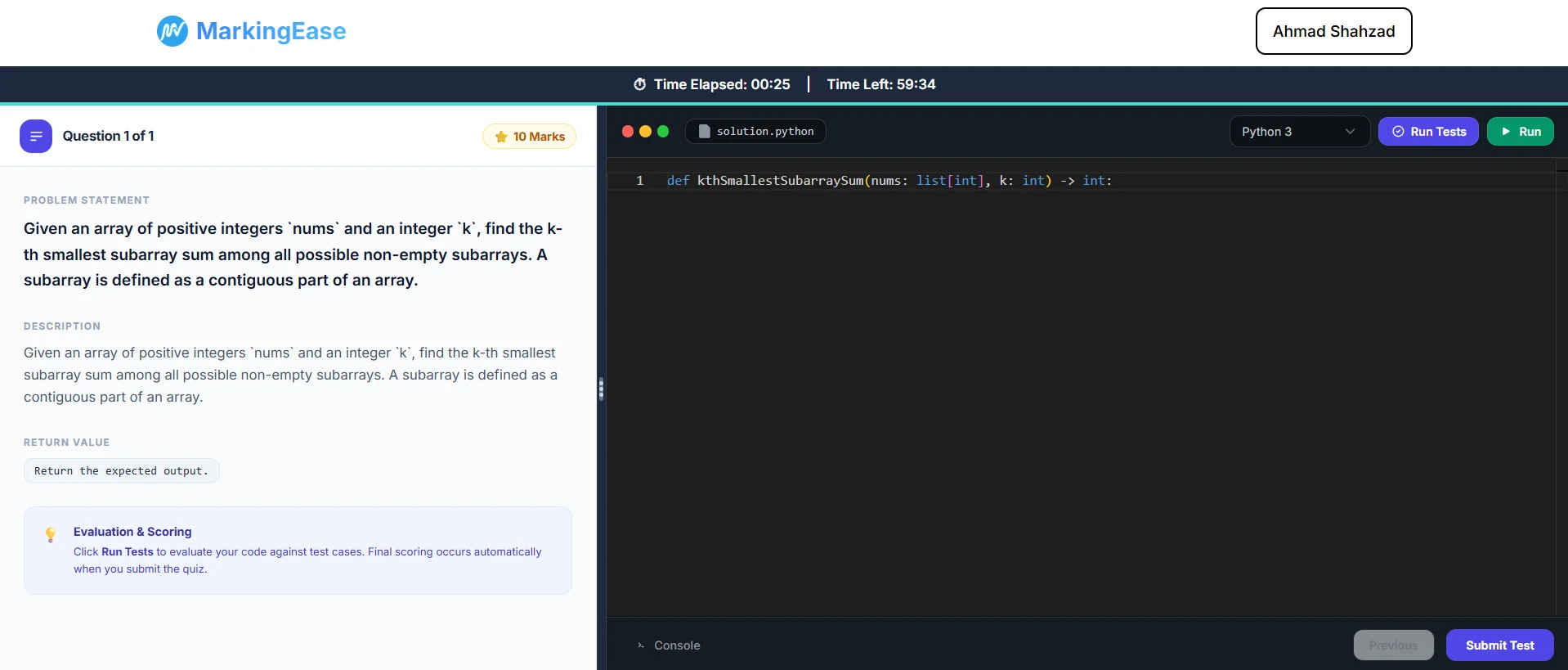
Assess Code, Not Just Answers
Give students a real coding environment and evaluate submissions through execution, test cases and reviewable scoring.
1
Write & Run
Students solve coding questions directly inside the assessment environment.
2
Validate
Run submissions against defined test cases to verify program behavior.
3
Review
Use execution results as part of a reviewable, teacher-controlled grading workflow.
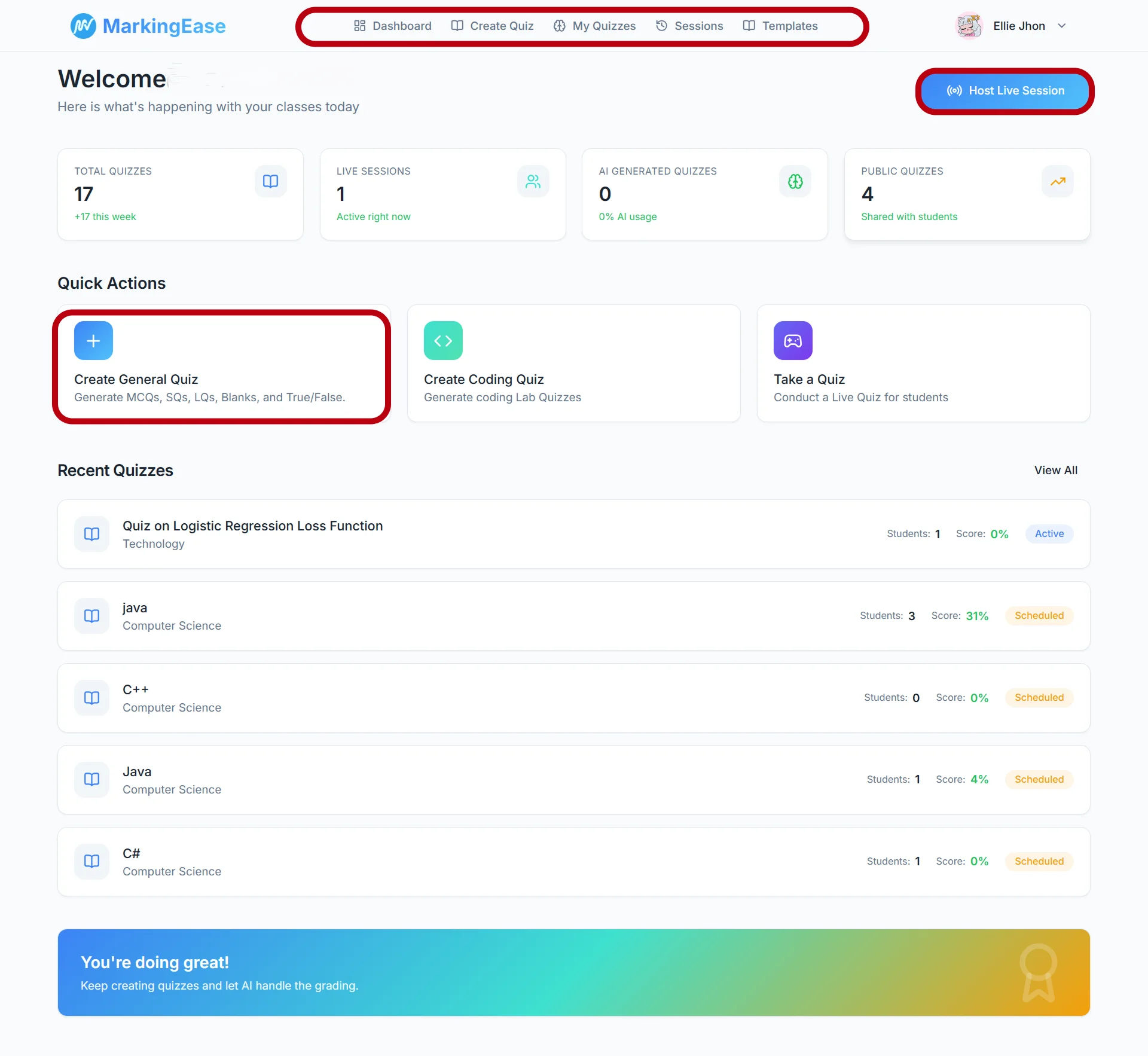
See MarkingEase in Action
Choose a walkthrough to see the complete teacher and student workflow.
Better assessment starts here.
Create assessments, review evaluations, and use browser-based integrity controls — all in one workflow.
Simple, Transparent Pricing
Reduce time spent on quiz preparation and draft feedback while keeping control over final marks.
Start Grading Free
Payments & billing handled by Lemon Squeezy.
Starter
Get started with MarkingEase at no cost.
$0
Teacher
For individual teachers who want AI-assisted assessment tools.
$5.99/ mo
Most Popular
Professional
For departments and teams managing assessments together.
$29/ mo
Institution
For institutions that need assessment workflows at organizational scale.
$99/ mo
Enterprise
For universities and organizations requiring custom deployment or arrangements.
Custom